 SaveNest
Guides & news
Game save guides
A game save is the progress a game records so you can continue later, such as your character, location and completed quests. Games may keep local save files, sync copies to a cloud service or store progress on their servers. Start with the question you need to answer.
GUIDES / GAMES / NEWSWhere is my saved game?
Open the game’s Load or Continue menu and check the player account and save slot. If the expected progress is missing, keep the copies you have while checking what went wrong.
Steam Cloud not syncing or replacing your save?
Keep your local files before choosing a cloud version. Check sync errors, compare progress and download available Steam copies to a separate folder.
Where are my game save files located?
Windows games often use Documents, Saved Games or AppData. The exact location depends on the game, edition and account; the installation folder may be separate.
Which game save backup tool fits your needs?
Compare SaveNest, Ludusavi, GameSave Manager, Steam Cloud and manual copies by platform and backup workflow. Check each tool’s limits before choosing.
How do I save my game?
Use the game’s own save menu, checkpoint or autosave system first. Once saving is complete, exit normally and make an independent backup. SaveNest backs up existing save data.
24 articles
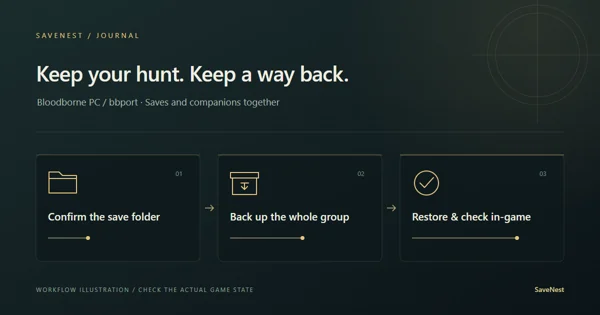
Bloodborne PC save location and backup: bbport and shadPS4
Find Bloodborne PC saves in bbport or shadPS4, back up the complete save group, and check the active user folder when an update leaves only New Game.
Read article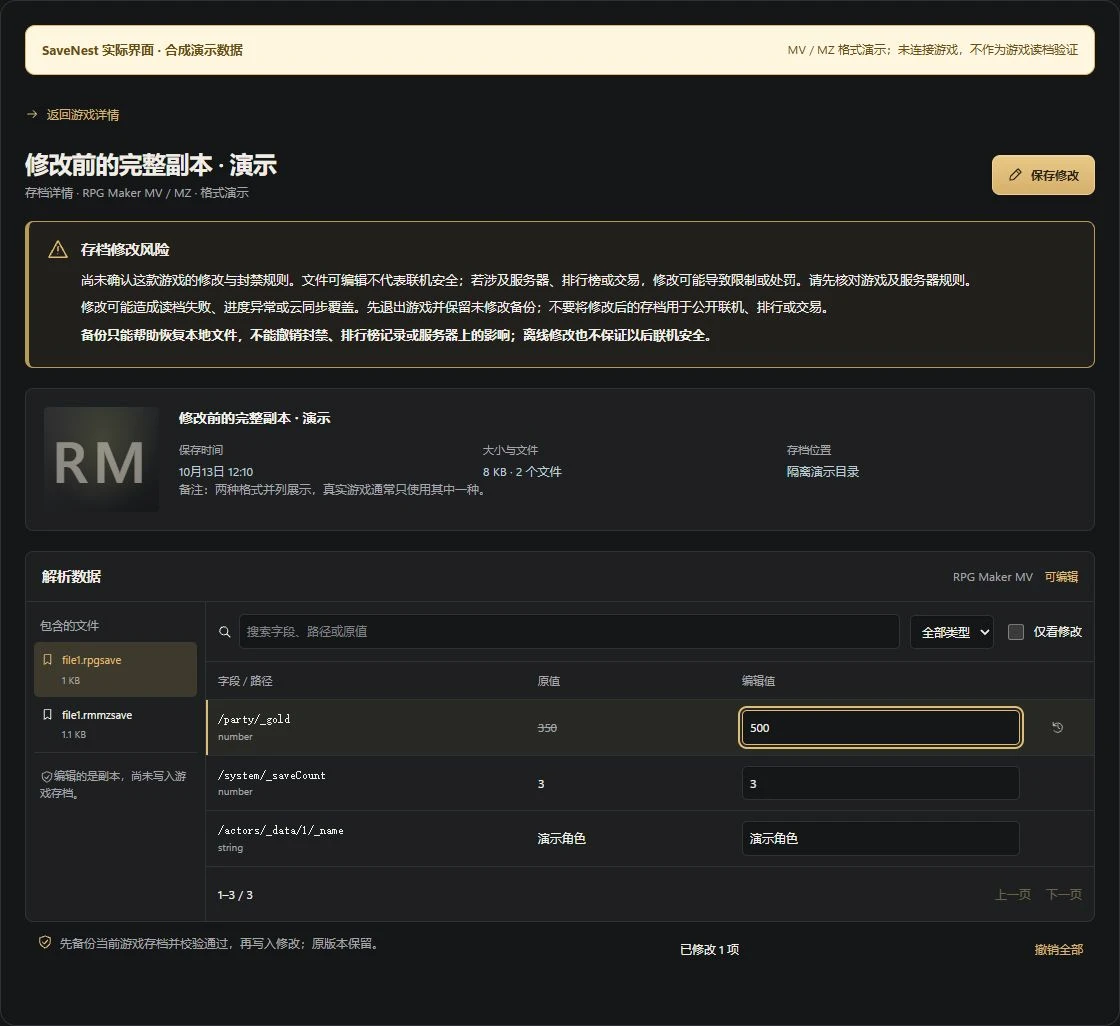
RPG Maker MV / MZ Save Editor: Edit rpgsave and rmmzsave Files
Identify the local RPG Maker MV / MZ save format and slot, keep a complete backup, then inspect parsed fields in SaveNest, review changes and verify in-game. Covers plugin, custom encryption and browser-save limitations.
Read article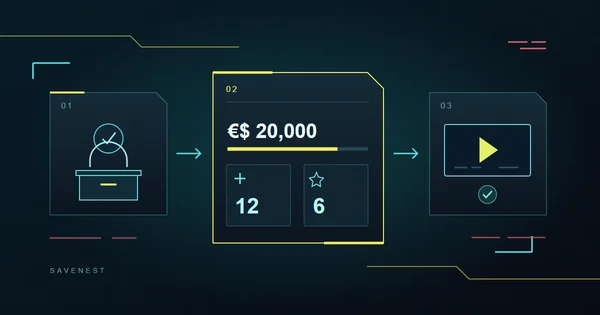
Cyberpunk 2077 Save Editor: Money, Points, Components and Ammo
Locate Cyberpunk 2077’s sav.dat and edit money, unspent points, and components or ammunition already present in the save. Keep complete backups before important choices, load the correct manual slot and verify the result. Covers the fields available in SaveNest 1.0.7.
Read article
Enshrouded Save Editor: Edit Inventory and Levels in 1.0
Edit recognized Enshrouded 1.0 character inventory and levels locally on Windows. Select the correct character and save source, review changes, preserve the original and verify in-game. Understand the limits for worlds, equipment and skills.
Read article
Emulator save backup: PPSSPP, Ryujinx & Yuzu on Windows
Find the right installation, user and game, preserve normal saves and retain separate backup checkpoints. Includes PPSSPP, Ryujinx and Yuzu boundaries and real SaveNest UI.
Read article
Enshrouded 1.0 saves missing? Find your world and keep a backup
Check both Local and Steam Cloud tabs, update for the 1.0.0.3 character-migration fix, and keep the right local or server save before a rollback.
Read article
Elden Ring PC save backup and restore guide
Back up your Elden Ring progress on Windows Steam, keep earlier checkpoints and restore your own complete account folder without mixing characters or cloud copies.
Read article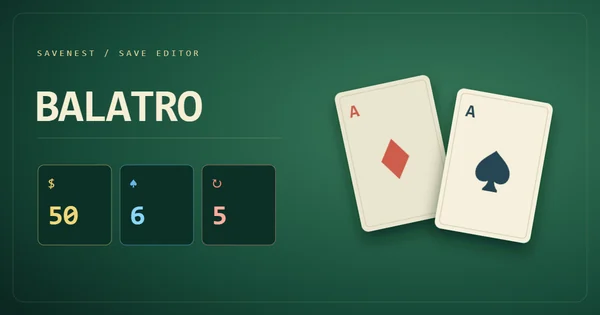
Balatro Save Editor: Money, Hands & Discards
Edit Balatro money, remaining hands and discards with SaveNest. Find the right save.jkr, keep the original run and check the result in-game. Tested on 1.0.1o-FULL.
Read article
Modern Warfare 4 campaign missing or online progress gone? What to check
Check Content Pack 1 for a missing Xbox PC campaign entry, compare the full Activision ID for missing online progression, and report a campaign checkpoint problem with useful details.
Read article
Dark Souls Remastered boss practice: set up a checkpoint and quick load
Create a pre-boss milestone, distinguish it from later attempts and use SaveNest quick save/load with account-scope checks and visible workflow results.
Read article
Dark Souls Remastered save file location & backup
Locate the Remastered account save, retain independent checkpoints and check edition, character and existing copies before attempting recovery.
Read article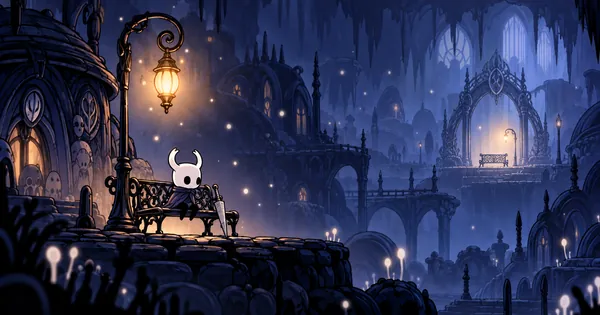
Hollow Knight: how to save, back up and restore
Learn how Hollow Knight saves, find the official Windows save folder, and make or restore a complete backup of your own progress without a backup app.
Read article
Steam Cloud not syncing? Out-of-date and out-of-sync fixes
Troubleshoot Steam Cloud out of date, not syncing and out of sync: protect local saves, check cloud settings, retry on the source PC and verify progress.
Read article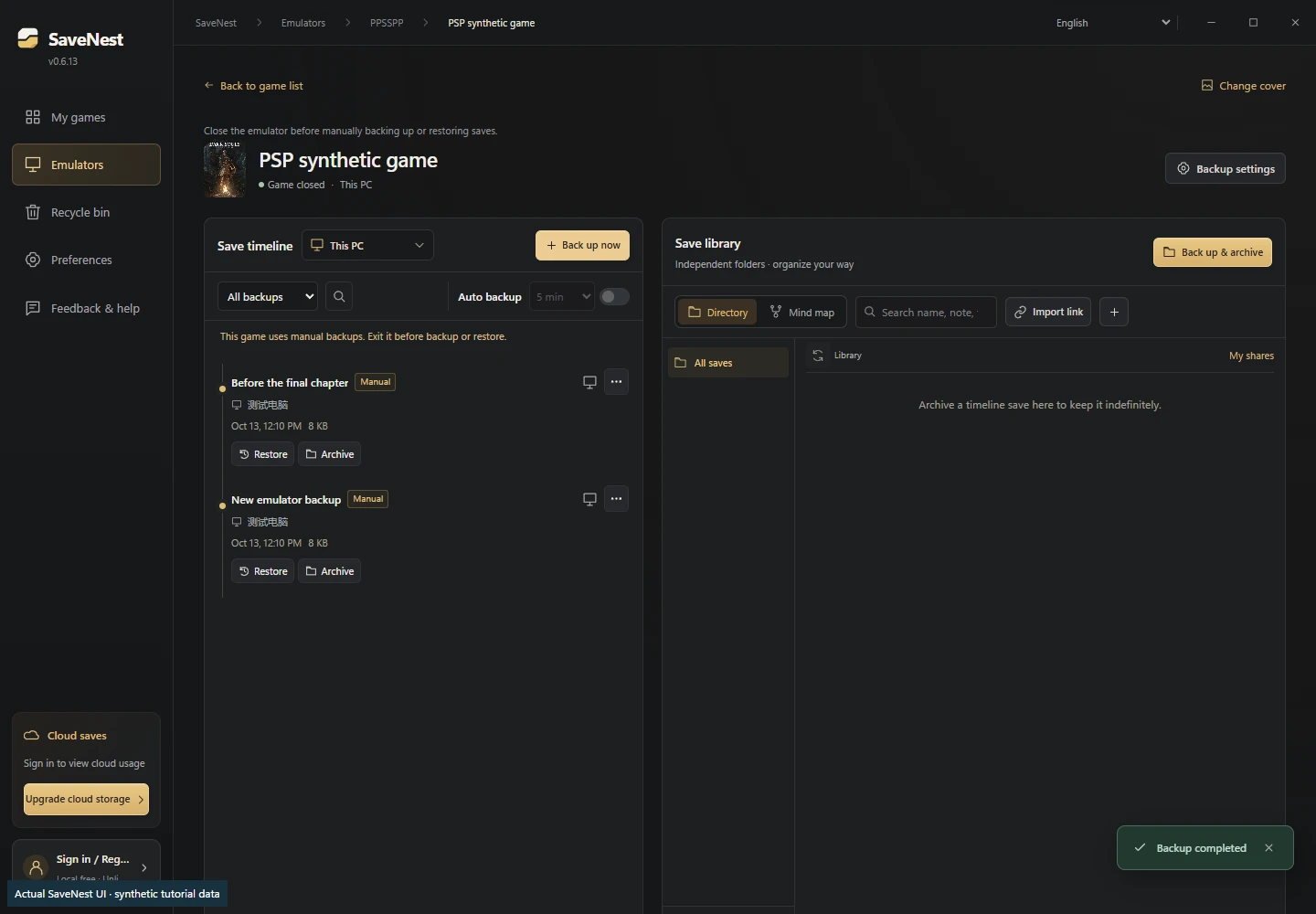
PPSSPP save location, backup & transfer: SAVEDATA vs save states
Locate the active Memory Stick, back up complete SAVEDATA folders and transfer normal saves to PC or Android without confusing them with save states.
Read article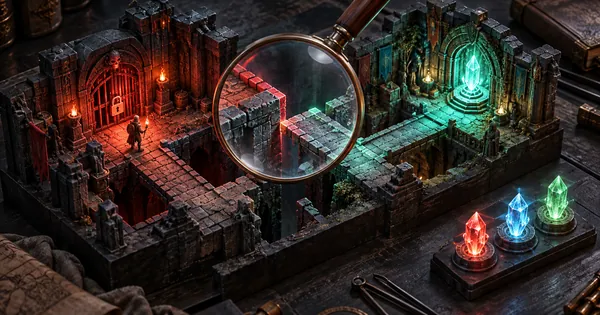
Restored game save not showing? A step-by-step troubleshooting guide
Diagnose unchanged progress, wrong slots, account mismatches and sync replacements while preserving the current state and selected backup.
Read article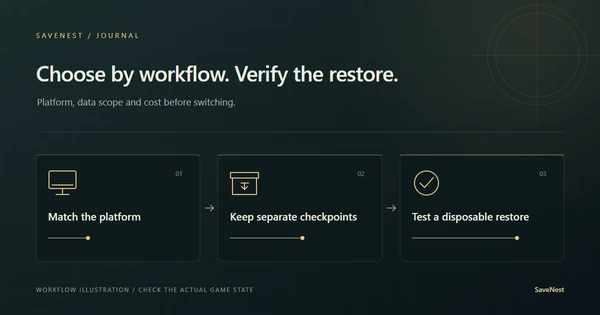
Ludusavi & GameSave Manager alternatives: choose by workflow
Compare local cost, Windows/Linux/macOS support, save-data scope and restore workflows for SaveNest, Ludusavi, GameSave Manager, OpenGameSave and SaveState.
Read article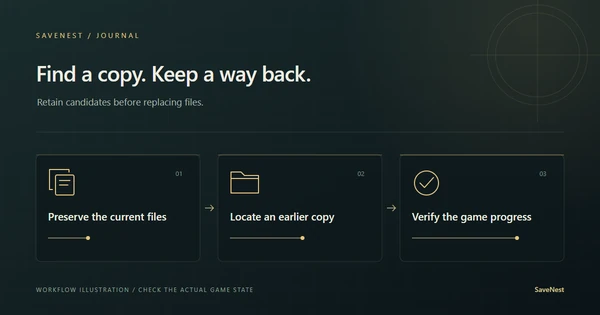
Lost game saves on PC: find a usable copy before restoring
Check the old PC, Windows account, Steam Cloud files and existing backups when a game save disappears. Preserve candidates and verify the recovered character or slot.
Read article
Transfer game saves to a new PC: cloud & manual methods
Protect progress on both PCs, check edition compatibility, transfer a known backup and verify the destination before continuing your playthrough.
Read article
Windows save backup: tool comparison and real restore cases
Compare SaveNest, Ludusavi, OpenGameSave and SaveState, follow backup and restore steps, and inspect dated Frostpunk 2 and The Witcher 3 evidence.
Read article
Game cloud saves: back up, download and restore on Windows
Understand game cloud saves and versioned backups. Set up optional SaveNest cloud storage, check uploads and restore a downloaded version on another Windows PC.
Read article
Save scumming: back up and reload PC game saves
What is save scumming? Keep checkpoints, retry choices or boss fights, and restore PC saves with SaveNest. Includes cloud conflicts and quick save/load.
Read article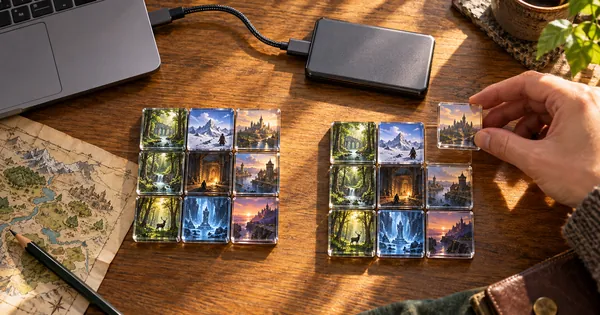
Game save file locations on Windows & backup guide
Find PC game saves in Documents, Saved Games and AppData. Check Elden Ring, Hollow Knight and Dark Souls paths, then copy and verify a complete backup.
Read article
SaveNest product notes: local history, permanent milestones and optional cloud
Understand the roles of timeline history, the permanent library, independent exports and optional cloud copies before setting up your SaveNest workflow.
Read article
The SaveNest Journal: guides, game topics and product news in one place
Explore the new dedicated reading space for detailed Windows save guides, game-specific workflows and factual SaveNest product information.
Read article
More to explore. More worth keeping.